
Usability Case Study
Overview
Client: KAYAK (independent academic-style usability study)
Role: UX Researcher (end-to-end)
Timeline: 2 weeks
Methods: Moderated usability testing, think-aloud protocol, task analysis, SUS survey
Study Type: Formative usability evaluation focused on first-time use
Critical Points of Failure:
.
%
Missed at least one core feature
%
Failed or struggled
.
%
SUS Score average
%
Verbalized frustration
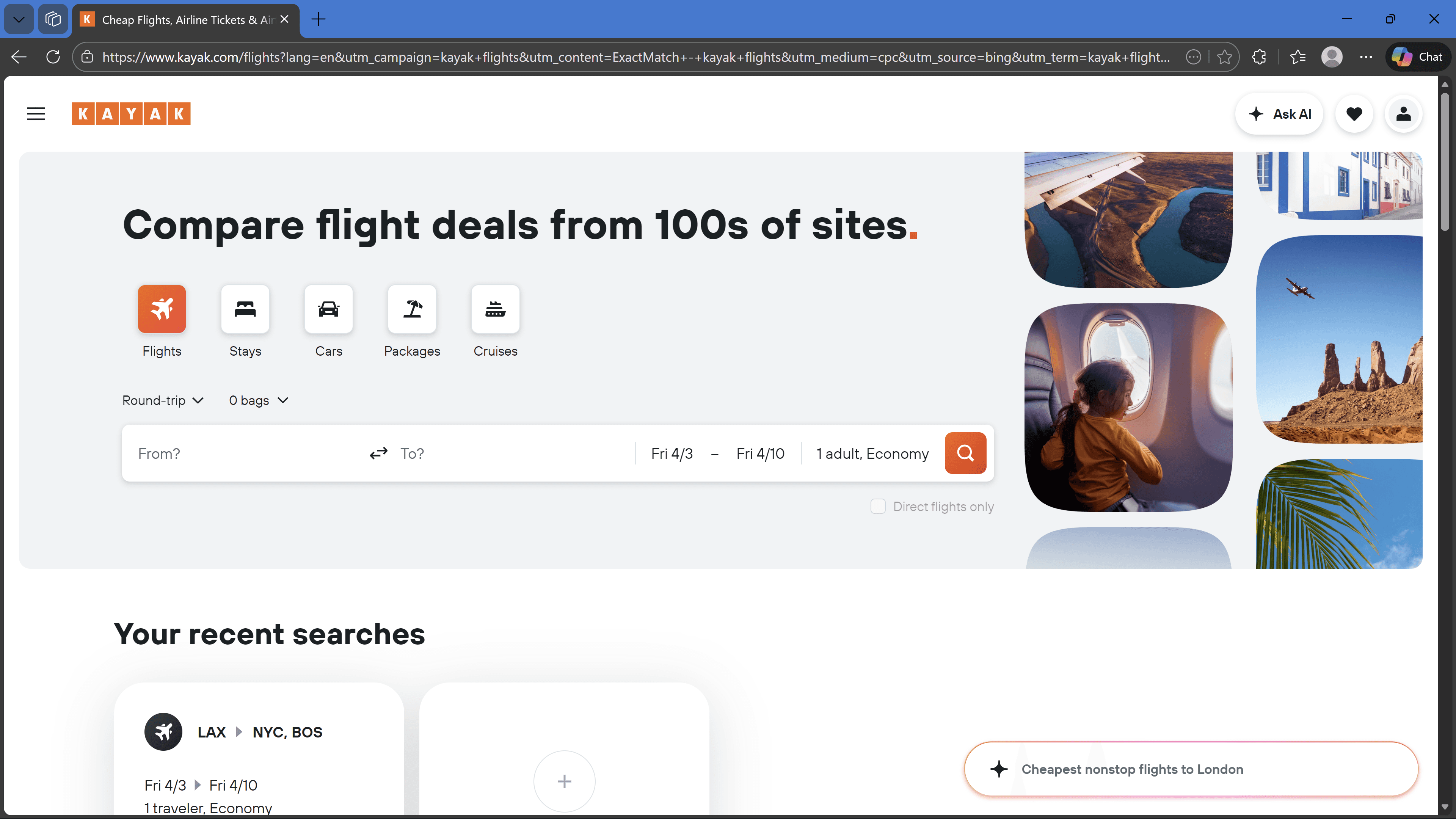
[Visual Placement: Screenshot of KAYAK homepage with task targets annotated (filters, Trip Builder, fare alerts)]
Study Focus
While KAYAK offers a broad set of travel-planning tools, it was unclear how effectively experienced travelers who are new to KAYAK could discover and use these features when planning both common and complex trips. This study focused on identifying breakdowns in clarity, feature discoverability, and system feedback that may hinder successful task completion during initial use
Research Question
How effectively can experienced travelers who are new to KAYAK complete realistic travel-planning tasks on the platform, and where does the interface introduce friction during first-time use, as reflected in both observed behavior and perceived usability?
Why This Study Matters
KAYAK positions itself as a powerful, all-in-one travel planning platform, aggregating flights, hotels, and trip management tools for a wide range of travelers. While the product is well established, the first-time experience plays an important role in helping new users understand the platform’s capabilities and use its features with confidence.
For first-time users—particularly experienced travelers planning more complex trips—early friction can result in:
False task completion (believing a goal has been met when it is not)
Increased cognitive load during complex planning
Reduced confidence in the accuracy or clarity of the interface
This study examined early usability risks in the first-time experience that may affect users’ ability to successfully complete travel-planning tasks and correctly use core features, without making claims about long-term behavior or retention.
Success Criteria:
Successful completion of key travel-planning tasks without assistance
Accurate use of intended system features (not workarounds)
Acceptable perceived usability (SUS ≥ 68 as industry average)
What was NOT studied:
Long-term learnability or repeat-use efficiency
Mobile or app-based experiences
Conversion or booking completion beyond task-level success
Research Approach
Methodology & Structure
This was a moderated usability study focused on evaluating first-time experience and feature discoverability on KAYAK’s desktop web platform.
Each session followed a consistent structure: participants completed a series of realistic travel-planning tasks while prompted to think aloud, enabling direct observation of:
Natural exploration and decision-making during initial use
Feature discovery and use across both common and complex booking scenarios
Points of confusion, hesitation, and breakdown during task completion
Post-task reflection and a System Usability Scale (SUS) survey were used to capture attitudinal feedback alongside observed behavior.
Study Design
Participants completed six realistic travel-planning tasks using KAYAK.com while thinking aloud. Sessions were moderated only to deliver task instructions; no assistance, guidance, or hints were provided during task completion.
Tasks Evaluated
Book and email a round-trip flight itinerary – tested users’ ability to locate and use basic core functionality.
Find the cheapest multi-person flight – required navigating pricing options and filtering effectively.
Plan a multi-city international business trip – intentionally complex; participants had to coordinate multiple legs, manage timing constraints, and select flights across different cities. This task was expected to reveal issues in cognitive load, feature discoverability, and mental model alignment.
Filter flights by departure/arrival constraints – tested comprehension of filtering tools and system feedback.
Book a hotel with specific amenities and price cap – evaluated users’ ability to locate and interpret secondary booking tools.
Set up a fare alert for a future trip – measured users’ capacity to understand and act on auxiliary features.
Data collected included:
Post-test System
Task success and failure
Time on task
Number of attempts
Verbalized frustrations
Methodology Rationale
This study emphasized qualitative observation and task-level analysis to examine how first-time users interpret and navigate a mature, feature-rich interface without prior familiarity. The research prioritized behavioral evidence and participant feedback to surface usability risks that may be less visible once users develop learned behaviors.
Because the goal was to understand how and why breakdowns occur during initial use, rather than to measure prevalence or optimize performance at scale. Therefore, a moderated, qualitative approach was better suited than analytics-based or summative methods.
Light quantitative measures (task success, time on task, SUS) were used to contextualize observed patterns and support qualitative insights, not to produce statistically generalizable findings.
Participants
Total Participants: 8 total participants
Demographics:
Gender: Aimed for a 50/50 mix
Age Range: 18–65
Ethnicity: Recruited a mix
Education: High school graduates and higher
HHI: Single Income: $50K+; Dual Income: $100K+, recruited a range
Employment:
None that currently or previously worked in related industries (market research, travel industry)
Homemaker, retired, part-time employed, and/or student (Max n = 1):
Eligibility Criteria:
All must be primary or shared financial decision-makers
Booked travel for themselves online within the past 12 months
No prior experience using KAYAK
Mix of leisure and frequent business travelers
Comfortable using desktop web booking platforms
Willing to sign a respondent consent agreement
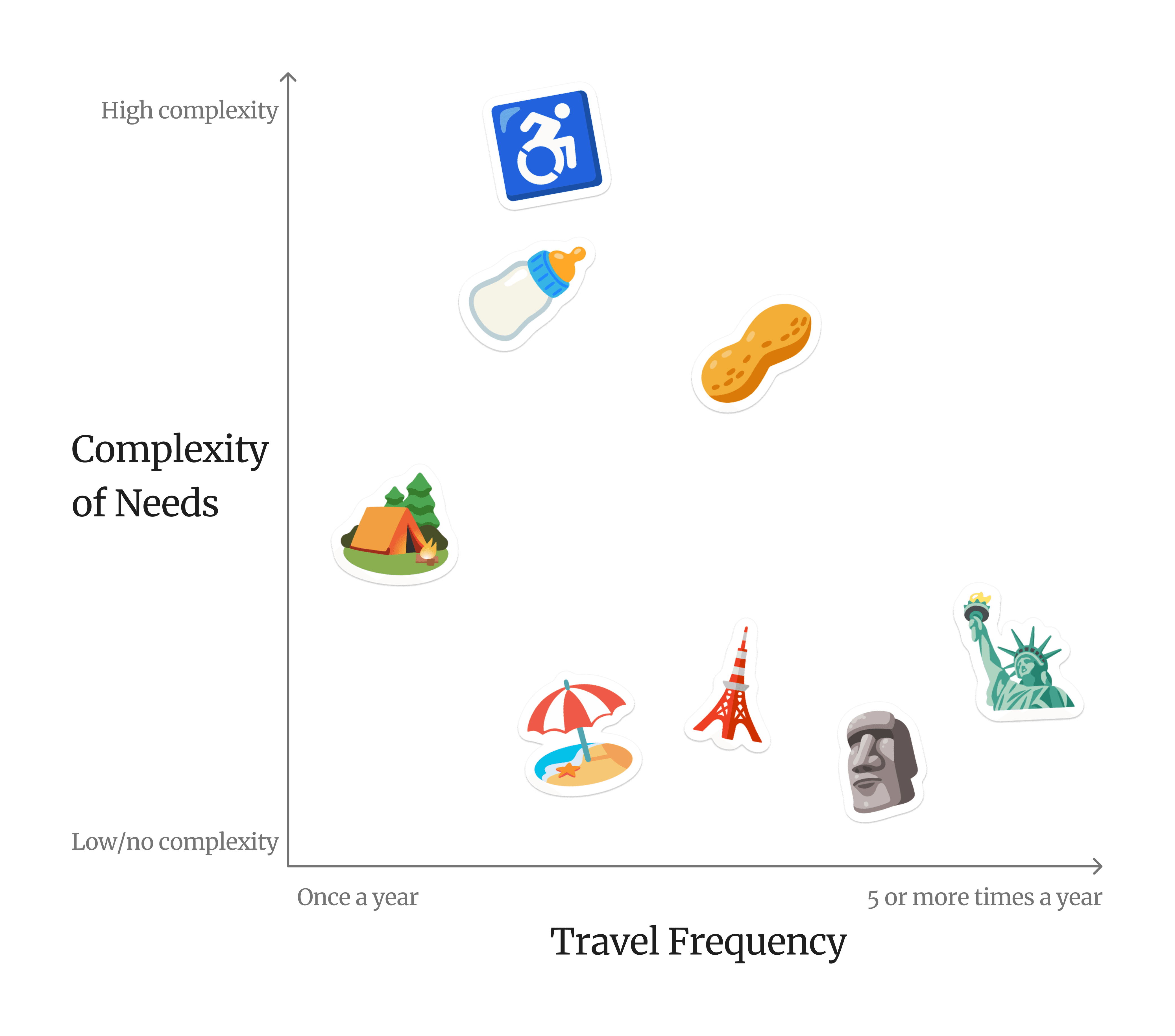
Inclusivity Consideration & Accessibility Quota:
3 participants with complex travel needs (dietary restrictions, baggage constraints, or disability)
Aggregate Performance Metrics:
%
Average task success rate
/
6
Average tasks completed
.
%
Participants failing ≥2 tasks
.
%
Participants missing core features
%
Participants verbalizing frustration
Discoverability Failure Rate
Usability Perception (SUS)
Interpretation:
Overall usability was marginal, indicating moderate learnability but a weak first-time experience relative to industry benchmarks.
Key Findings & Recommendations
Finding #1. Core Features Lacked Visibility and Clear Affordances
Observation:
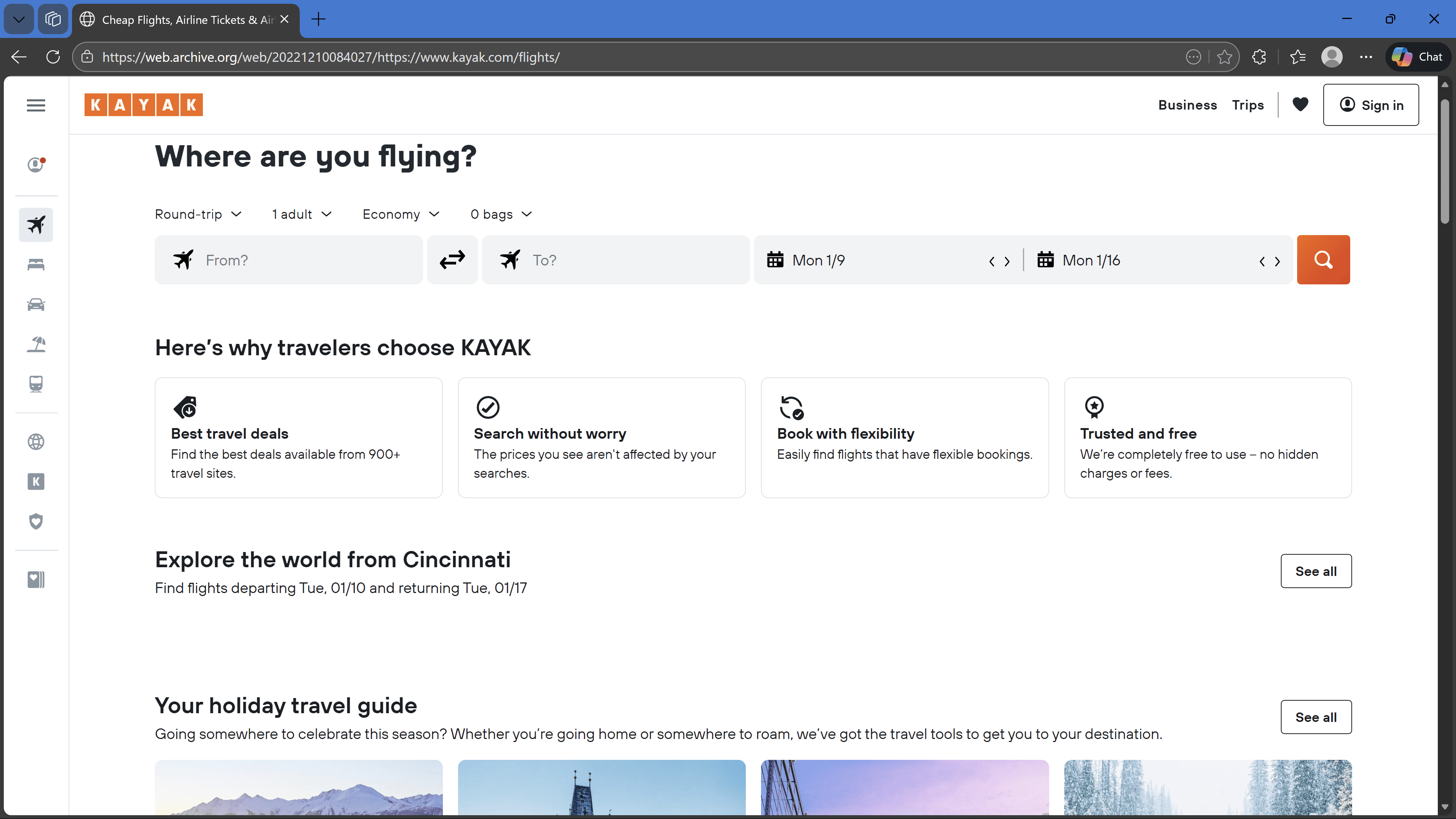
Participants frequently missed high-value features, often believing tasks were complete when they were not. 87.5% missed at least one core capability, reducing trust in system completeness and increasing reliance on assumptions.
UX Issue:
This reflects breakdowns in visibility of system status, affordances/signifiers, and consistency, making it hard for users to identify important actions.
Recommendation:
Improve discoverability by:
Elevating high-value actions with clear primary CTAs
Reducing visual clutter via progressive disclosure
Introducing lightweight onboarding cues for first-time users
Finding #2. The Experience Rewarded Persistence Over Intuitiveness
Observation:
Users who explored longer achieved higher task success, but at the cost of increased cognitive load and frustration. 62.5% of participants with below-average SUS scores abandoned at least one task.
UX Issue:
The system neglects learnability, cognitive load reduction, and feedback/error prevention, favoring persistence over immediate comprehension.
Recommendation:
Introduce intent-based guidance:
Detect complex behaviors and proactively suggest helpful tools (e.g., Trip Builder)
Provide contextual, dismissible guidance at moments of confusion
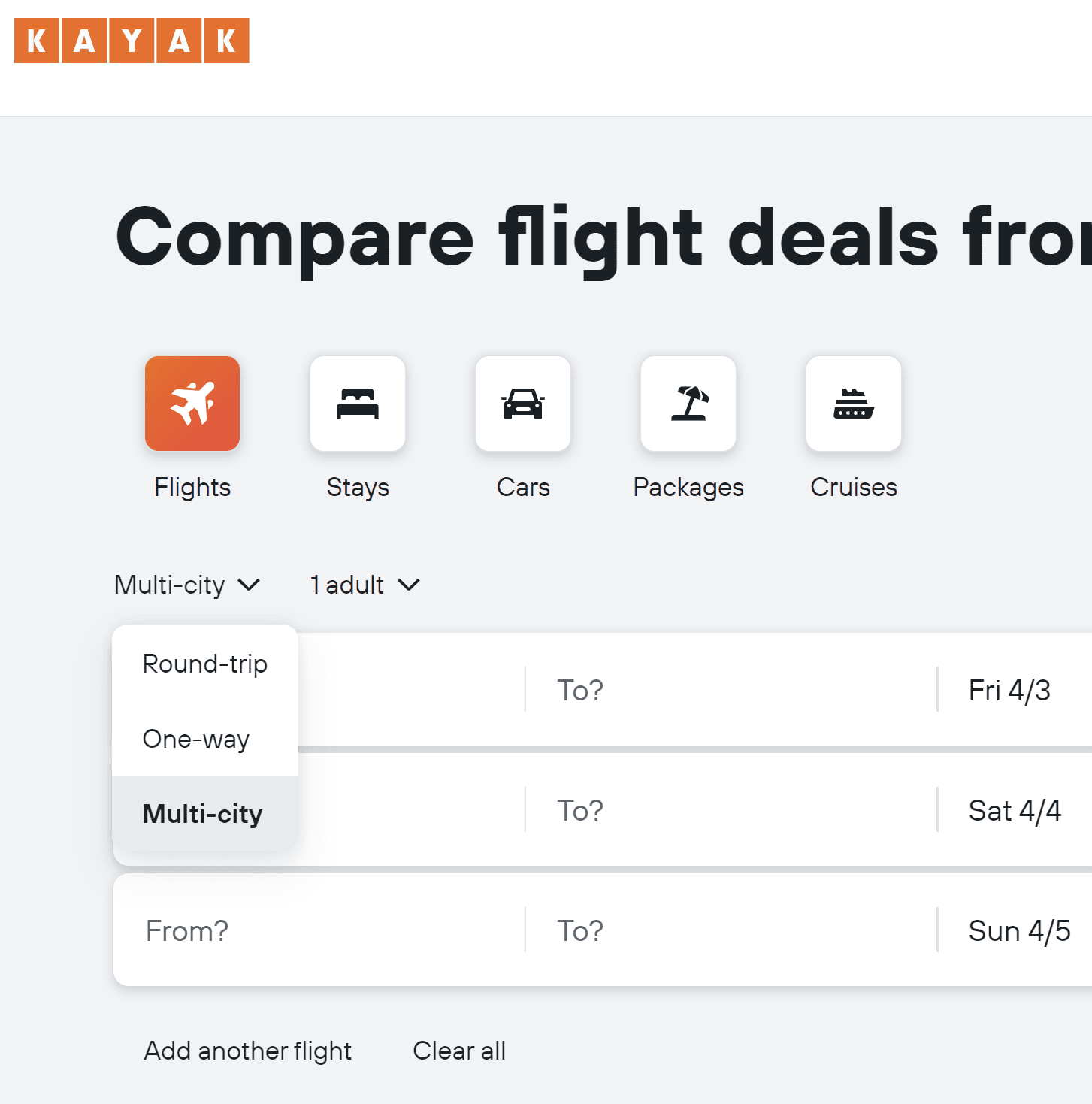
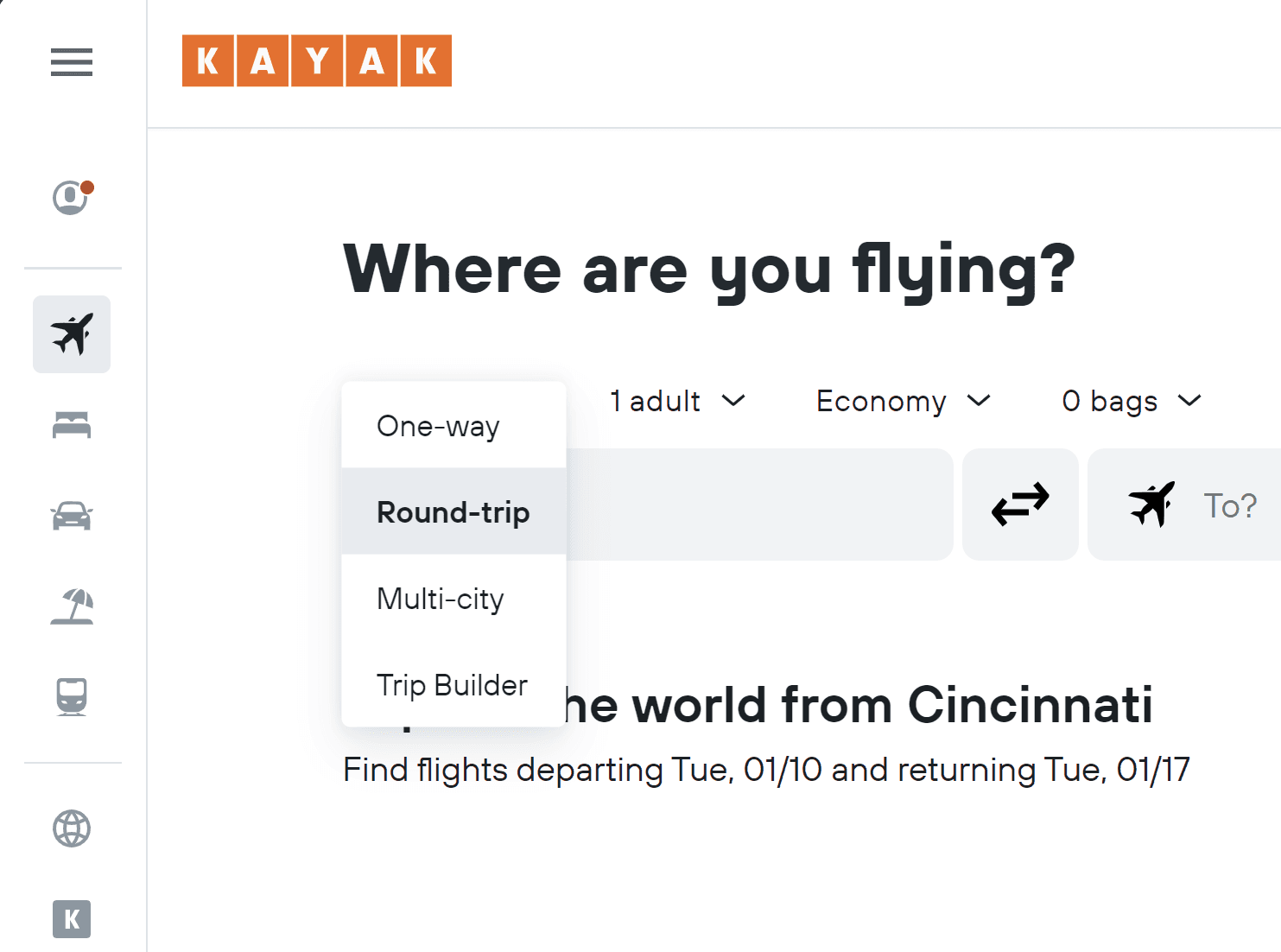
Finding #3. Multi-City Trip Planning Failed for All First-Time Users
Observation:
The Trip Builder feature was not discoverable or usable for new users; all participants failed to complete the task as intended, and 75% resorted to inefficient workarounds. Average completion time was 8.2 minutes.
UX Issue:
This highlights failures in mapping to mental models, discoverability, and feedback, preventing users from achieving high-value tasks.
Recommendation:
Redesign Trip Builder to align with user mental models:
Simplify configuration steps
Align flow with how users conceptualize multi-city travel
Provide real-time feedback and validation
Ethical Considerations
Informed consent obtained prior to sessions
Participants informed of voluntary participation and recording
All data anonymized
Limitations
Small sample size (n=8)
Desktop-only evaluation
Findings are directional and intended to surface usability risks, not meant to be statistically conclusive
Outcome & Impact
This study revealed that while KAYAK offers powerful functionality, first-time users experience friction that limits adoption, trust, and satisfaction. Addressing clarity, discoverability, and alignment with user mental models could:
Increase adoption & retention by enabling successful first-time task completion
Boost user trust in complex itinerary planning
Reduce cognitive load and improve perceived ease-of-use, enhancing NPS and repeat usage
Implications:
Friction in discovering and using core features may discourage users from returning, affecting long-term engagement.
Misinterpreted system feedback and missed features can erode confidence in the platform’s reliability, potentially reducing user willingness to plan complex trips through KAYAK.
High cognitive load and reliance on trial-and-error increase perceived effort and frustration, which could negatively impact NPS, repeat usage, or word-of-mouth recommendations.
Reflection
This project strengthened my ability to:
Conduct end-to-end usability research
Synthesize qualitative and quantitative data
Translate insights into actionable design recommendations.